Best Tools for Airbnb Hosts Serious Operators Rely On
The best tools for Airbnb hosts in 2026 fall into six categories: dynamic pricing software, guest messaging automation, an all-in-one property management system (PMS), cleaning and turnover coordination platforms, market analytics tools, and accounting software built for multi-property income. Most serious operators run four or five of these at once, not one all-in-one app that claims to do everything.
Key Takeaways
- Dynamic pricing tools like the ones in the PriceLabs category start around $34/month per listing for basic market data plans, and pricing software with 600,000-plus properties on a single platform is now standard infrastructure, not a luxury add-on.
- AI adoption in vacation rental operations has expanded fast: over 40 AI vendors now target vacation rental hosts as of 2026, spanning messaging, screening, and listing optimization.
- Airbnb's own native tools (Today, Calendar, Listings, Messages, Menu tabs) cover basic operations for free, but Smart Pricing is widely criticized industry-wide for underpricing listings and prioritizing occupancy over revenue.
- Market analytics dashboards sourced from actual PMS booking data, rather than scraped listings, generally require a minimum number of contributing properties before they can show reliable benchmarking data in a given market.
- Stacking too many point solutions without an integration plan creates data silos. This is the single most overlooked mistake among hosts scaling past three or four properties.
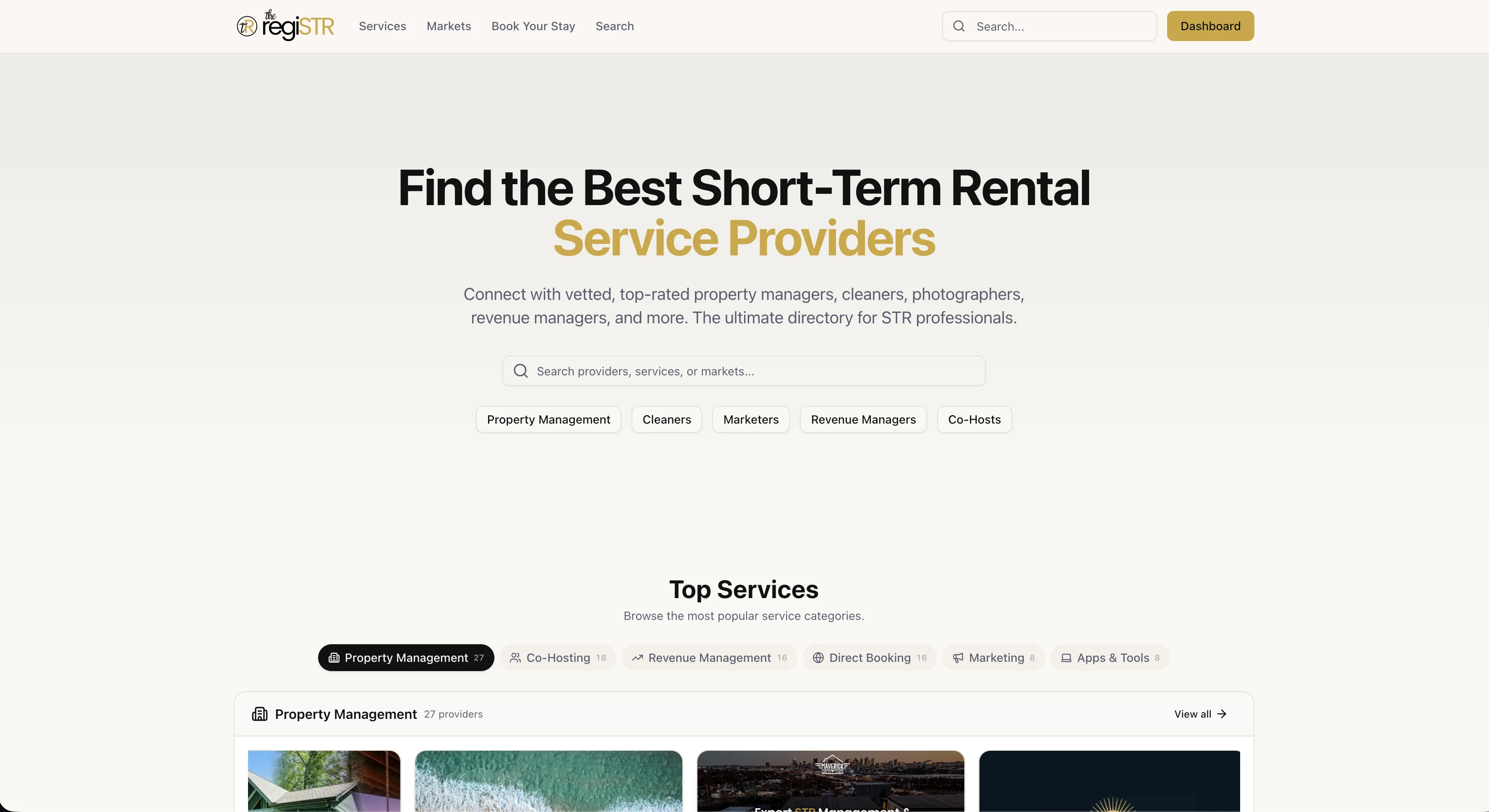
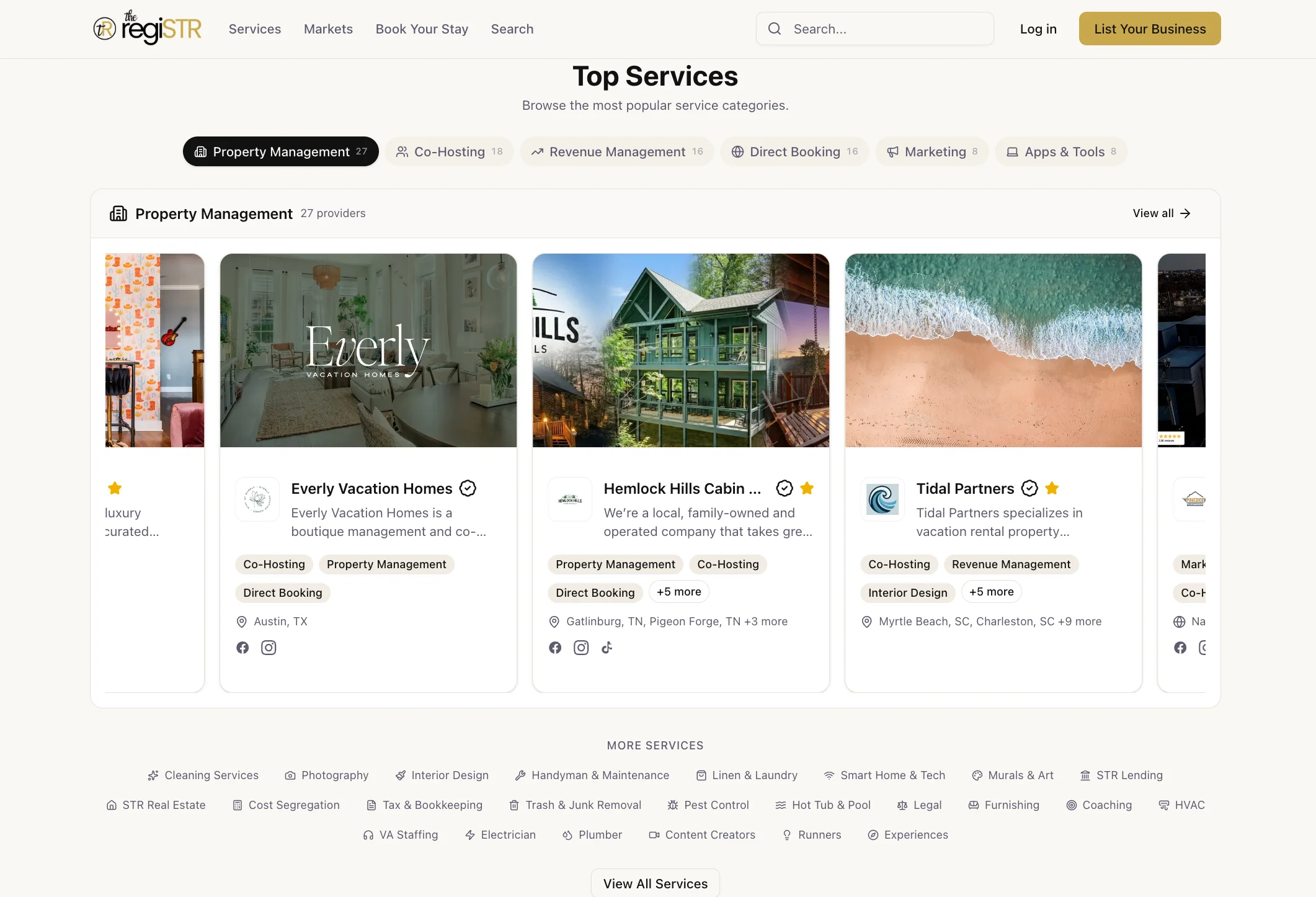
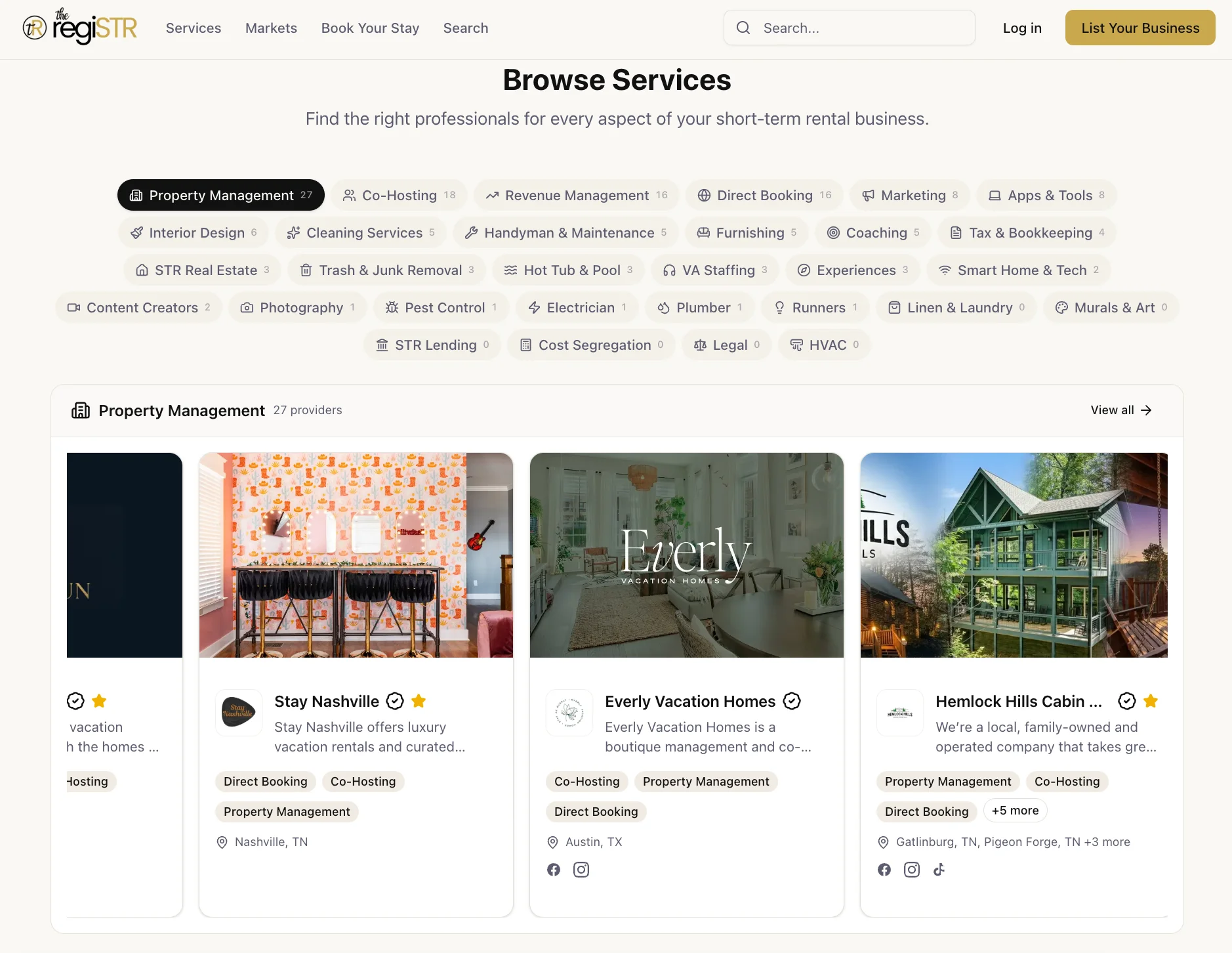
- The regiSTR connects you to vetted human providers, cleaners, property managers, revenue consultants, who set up and manage these software tools on your behalf, so you get the software's benefit without the manual configuration work.
Choosing software is only half the equation for running a profitable short-term rental in 2026. The other half is knowing which tools actually move revenue and which ones just look good on a features page. We've spent time evaluating providers across the categories that matter most: pricing, messaging, cleaning coordination, analytics, and accounting, and this guide reflects what we consistently see working across the operators in the markets we cover.
This isn't a marketing roundup. It's a practical breakdown for hosts who want a real answer to "what should I actually be paying for right now" versus "what can wait." We'll also flag where software alone isn't enough, because a pricing tool without someone managing the strategy behind it, or a cleaning app without a vetted cleaner using it, solves half a problem. the regiSTR exists specifically for that second half: finding the vetted human providers who actually execute what the software recommends.
What Are Airbnb Professional Hosting Tools?
Airbnb professional hosting tools are the software systems that automate pricing, guest communication, cleaning coordination, financial tracking, and market analysis for short-term rental operators. They split into two groups: platform-native tools built into Airbnb itself, and third-party software that plugs into your listing through an API or integration.
Airbnb's own app organizes its native tools into five tabs: Today, Calendar, Listings, Messages, and Menu. The Today tab surfaces reservation details and lets you add private notes per booking. The Calendar tab includes nightly price tips based on your listing's location, amenities, and area prices, though these tips are conservative by design.
The Messages tab includes Quick Replies, customizable templates you can trigger manually or on a schedule, plus scheduled messaging for key guest touchpoints like check-in instructions. The Menu tab houses your earnings dashboard with custom reports and a guest ratings and insights section.
These native tools are free and functional for a single property. But as you add listings, you'll hit their ceiling fast. Airbnb's built-in Smart Pricing, for example, is widely criticized across the industry for underpricing listings because it optimizes for occupancy rather than revenue per available night. That's exactly where third-party dynamic pricing software earns its keep, and where a revenue manager who knows how to configure it correctly earns theirs. Find STR Property Managers who already run these tools daily instead of learning the settings yourself.
What Is the 75 55 Rule in Airbnb?
The 75 55 rule is a pricing heuristic some hosts use as a rough occupancy target: aim to keep your calendar around 75% booked while holding your average daily rate near 55% of your market's peak seasonal rate, adjusting both figures based on your specific market's seasonality curve. It's not an official Airbnb policy; it's a mental model some revenue-focused operators apply when they don't have full market data.
In practice, this rule is a starting point, not gospel. A cabin in a ski market with hard winter peaks and soft shoulder seasons needs a completely different occupancy-to-rate balance than a beach condo with steady summer demand. Applying a flat rule across every market ignores exactly the kind of seasonality data that dynamic pricing software is built to capture.
This is where the gap between "having a pricing tool" and "having a pricing strategy" shows up most clearly. Pricing software like the tools built on top of large STR datasets can adjust your rates nightly based on comp set movement, but somebody still has to set the strategy, the minimum stay rules, and the seasonal floors and ceilings the algorithm operates inside. Notably, listing optimization features launched in early 2026 now let pricing platforms audit your listing content itself, not just your rate, adding another layer most hosts never touch manually.
If a heuristic like this feels too abstract for your specific market, that's a signal you need either better market data or someone managing revenue strategy for you. That's a service category the regiSTR lists specifically: browse Browse All STR Services to find revenue managers who build pricing strategy around your actual comp set instead of a generic ratio.
What Is the 80 20 Rule for Airbnb?
The 80 20 rule applied to Airbnb hosting generally refers to the idea that 80% of your guest complaints, maintenance issues, and operational headaches come from 20% of your properties, guest segments, or recurring failure points, most commonly cleaning inconsistency and communication gaps. Some hosts also apply it to revenue: roughly 80% of bookings often come from 20% of your listing's peak-demand nights.
For multi-property operators, this framing matters because it tells you where to spend limited attention. If one property in your portfolio generates most of your 1-star reviews, the fix probably isn't a better pricing tool. It's likely a cleaning or maintenance provider that isn't meeting STR-specific turnaround standards.
We consistently see this pattern across the operators in our network: hosts invest heavily in software to optimize the 80% that's already working fine, while the 20% causing real damage to their occupancy and reviews goes unaddressed because it's a vendor problem, not a software problem. No amount of guest messaging automation fixes a cleaner who shows up late to a same-day turnover.
Turno and Breezeway style cleaning coordination platforms help schedule and verify turnovers, but the software only works as well as the cleaner using it. As of 2026, more operators are pairing turnover software with vetted, STR-specific cleaning companies rather than whoever answered a Facebook group post. That's precisely the gap the regiSTR's cleaning category closes: Find STR Cleaners who already understand same-day turnaround windows before you add a coordination app to the mix.
How Do Dynamic Pricing and Revenue Tools Actually Compare?
Dynamic pricing tools for short-term rentals adjust your nightly rate automatically based on demand signals, comp set movement, and booking pace, typically starting around $34 per month per listing on the lower end of the market for annual billing. The tools differ mainly in data sourcing, integration breadth, and how much manual control they leave you.
Market analytics platforms serve a different function: they tell you what's happening in your comp set, not what to charge tonight. Some platforms source data by scraping public listings; others source it directly from property management system bookings, which tends to produce cleaner, more accurate benchmarking, though these PMS-sourced tools typically need a minimum number of properties reporting in a given market before benchmarking views unlock.
| Category | What It Does | Typical Starting Cost | Who Needs It |
|---|---|---|---|
| Dynamic pricing software | Nightly rate adjustments based on demand and comp set | Around $34/month per listing (annual billing) | Hosts with 1+ listings past the "set it once" stage |
| PMS-sourced market analytics | Benchmarking against real booking data, not scraped listings | Roughly $500 setup plus $200/month per PMS account | Managers with 15+ listings needing comp set accuracy |
| Guest messaging AI | Automated responses, screening, scheduled check-in flows | Varies by vendor; per-listing tiers common | Hosts managing multiple simultaneous guest threads |
| Cleaning coordination software | Turnover scheduling, photo verification, cleaner assignment | Varies; often per-listing or per-job pricing | Anyone using more than one cleaner across properties |
| Accounting software | Income tracking, expense categorization, tax prep support | Tiered monthly plans | Every host with rental income to report |
Notice what this table doesn't include: a column for "who sets this up correctly." That's the piece software vendors don't sell you, and it's exactly where a vetted revenue manager or co-host earns their fee. If you're comparing tools side by side, comparing providers who already run them is the faster path. That's the exact comparison the regiSTR's directory enables, browse by market and category rather than guessing from a features page.
What Are Red Flags for Airbnb Hosts?
Red flags for Airbnb hosts are warning signs in your operational setup, vendor relationships, or tool stack that predict guest complaints, revenue loss, or compliance trouble before they fully materialize. The most common ones show up in pricing neglect, vendor unreliability, and tool sprawl without integration.
Software-Side Red Flags
First, relying solely on Airbnb's native Smart Pricing past your first few months is a red flag. It's free, but industry-wide criticism holds that it consistently underprices listings to chase occupancy instead of revenue. Second, running three or more disconnected point solutions, a pricing tool, a messaging app, a separate cleaning scheduler, without any integration plan creates data silos where none of your systems see the full picture of your property.
Additionally, accounting software with wildly inconsistent review scores across platforms is worth researching carefully before committing annual billing. QuickBooks Online, for example, shows strong ratings on platforms like Capterra and GetApp but notably weaker scores on consumer-facing review sites, a gap worth understanding before you pick a plan.
Vendor-Side Red Flags
On the human side, a cleaner who can't guarantee a specific turnaround window, or who won't confirm same-day availability during peak season, is a red flag regardless of how good their software integration looks. As a result, hosts who vet only the tool and never vet the person using it end up with the exact operational gaps this guide keeps pointing back to.
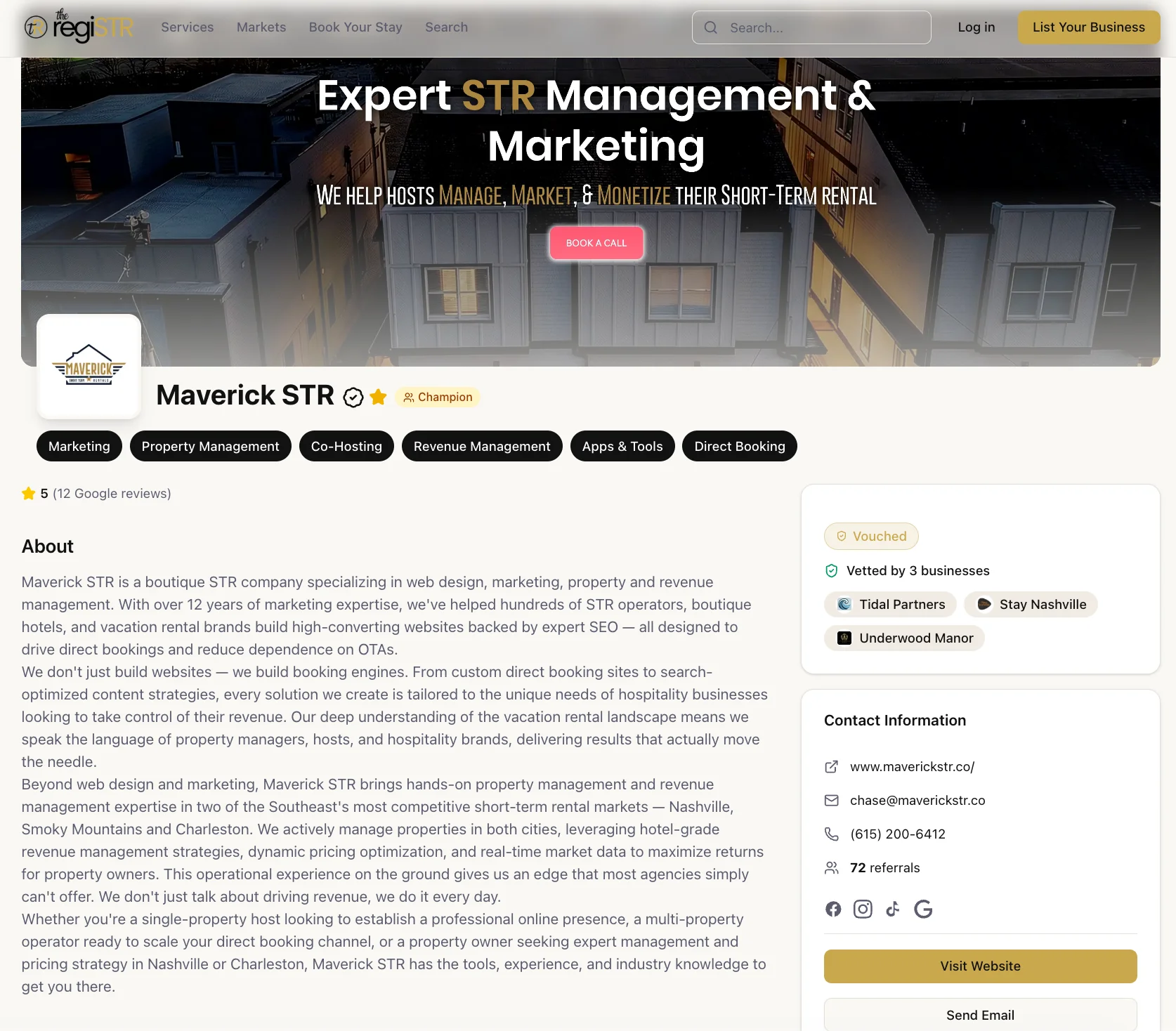
This is exactly the vetting criteria the regiSTR applies when listing service providers: turnaround guarantees, STR-specific experience, and peer vouches from other operators who've actually worked with them. Skipping that vetting step and hoping the software fills the gap is where most hosts get burned.
What Do the Content Gaps Miss About Building a Tool Stack?
A tool stack for Airbnb hosting is the specific combination of software and human providers you run together to manage pricing, cleaning, communication, and finances across your portfolio. Most guides list tools in isolation. Few address what happens when you combine five of them without a plan.
Integration pitfalls are the biggest unaddressed problem in most tool roundups. When your pricing software, your PMS, your cleaning scheduler, and your accounting platform don't talk to each other, you end up manually reconciling bookings across four dashboards. In contrast, a PMS built to serve as the central hub, with pricing, messaging, and cleaning tools plugged into it, avoids this by design, but it requires choosing your PMS first and your point solutions second, not the other way around.
Notably, redundant subscriptions are common. Hosts often pay for a standalone accounting tool and a separate PMS with built-in financial reporting, duplicating functionality without realizing it. Before adding a new tool, ask whether your existing PMS already covers that function at a lower marginal cost.
A Simple ROI Framework Before You Buy
Here's a framework most articles skip entirely: before paying for any tool, calculate what it needs to return monthly to justify its cost. If a dynamic pricing platform costs roughly $34 per listing monthly, it needs to recover that through rate optimization, typically a fraction of a percentage point in occupancy or ADR improvement, which most active markets clear easily. If a market analytics dashboard costs $200 monthly per PMS account, it only pays off once you have enough listings for the benchmarking data to actually change a pricing decision.
- List your current monthly tool spend across every category (pricing, messaging, cleaning, accounting, analytics).
- For each tool, identify the specific decision it's supposed to improve (a rate, a response time, a turnover schedule).
- Estimate the dollar value of getting that decision right versus doing it manually or with a free alternative.
- If the tool's monthly cost exceeds the value of the decisions it improves, downgrade or cut it.
- Reinvest the savings into a vetted human provider for whichever function is causing the most guest complaints.
This last step is the one most hosts skip, and it's usually the highest-return move available. A revenue manager who already knows how to configure pricing software for your specific market often outperforms a host manually adjusting rate rules on evenings and weekends. If you're unsure whether to hire that person or keep managing it yourself, our related guide on the regiSTR blog covers exactly when that trade-off tips in favor of hiring out.
How Do Cleaning and Turnover Tools Fit Into the Stack?
Cleaning and turnover coordination software schedules cleaners, verifies job completion through photo checklists, and flags same-day turnover conflicts before they become missed checkouts. These platforms solve a scheduling problem, not a quality problem, which is a distinction most hosts miss when they adopt one.
A same-day turnover cleaner working a Nashville property, for example, needs at minimum a workable window between an 11am checkout and a 3pm check-in. Turnover software can flag that window and confirm the cleaner accepted the job. What it can't do is guarantee the cleaner shows up on time or meets STR-specific standards like restocking supplies and resetting staged decor exactly as photographed.
Additionally, hosts running multiple properties across different cleaners often discover the software surfaces the scheduling conflict, but the resolution still requires a backup cleaner who's already vetted and available on short notice. That's a network problem, not a software problem.
Finding a reliable vacation rental cleaner in your city is faster through a directory built specifically for STR operations than through general classifieds. Every cleaner listed in the regiSTR's network was referred in by an existing operator, and the Vouch system lets you see which hosts have actually worked with them before you make first contact.
Practical Guidance: How to Prioritize Your Tool Stack in 2026
Prioritizing your Airbnb tool stack means sequencing purchases based on portfolio size, not buying every category at once. A single-listing host and a 20-property operator need entirely different starting points.
For 1 to 2 Listings
Start with a dynamic pricing tool and Airbnb's native messaging features. Skip PMS-sourced analytics dashboards until you're managing enough properties for benchmarking data to matter. A single vetted cleaner relationship, found through a directory rather than a cold search, covers your turnover needs at this stage.
For 3 to 10 Listings
Add a PMS to centralize calendar management, messaging, and reporting across properties. This is the stage where redundant subscriptions start creeping in, so audit your existing tools before adding new ones. Cleaning coordination software becomes worth the cost once you're juggling more than two or three cleaners across your portfolio.
For 15+ Listings
PMS-sourced market analytics dashboards become cost-effective at this scale, since their pricing model favors larger portfolios. Full revenue management, either software plus a dedicated manager or a full-service arrangement, typically pays for itself here. This is also the point where guest screening tools become worth evaluating, since manual screening across a large volume of bookings introduces real risk.
Common mistakes at every stage include treating software as a replacement for vendor relationships, ignoring accounting software until tax season creates a scramble, and adding tools reactively after a bad guest experience rather than proactively as you scale. Comparing quotes and provider capabilities side by side is exactly what the regiSTR's directory enables. Browse by city and service category before committing to any single provider or platform.
Frequently Asked Questions
What is the regiSTR and how does it differ from general business directories?
The regiSTR is a specialized directory built exclusively for short-term rental service providers, organized by market and service category. Unlike general business directories, every provider listed has been referred in by an existing network member and vetted for actual STR experience, not just general residential or commercial work.
Do I need both software tools and a human provider, or can software replace hiring?
Software handles scheduling, calculations, and communication templates, but it can't replace the judgment a revenue manager, cleaner, or co-host brings to your specific property and market. Most successful operators run both: automation for repetitive tasks and vetted providers for anything requiring local knowledge or hands-on execution.
How much should I expect to pay for a full Airbnb tool stack in 2026?
Costs vary widely by portfolio size and category mix. Dynamic pricing tools often start around $34 per listing monthly, while PMS-sourced analytics dashboards run roughly $500 setup plus $200 monthly per account and make more sense at 15 or more listings. Building your stack in sequence based on portfolio size avoids overpaying for tools you don't yet need.
Is Airbnb's free Smart Pricing tool good enough for a new host?
Airbnb's Smart Pricing is functional but widely criticized industry-wide for underpricing listings, since it optimizes for occupancy over revenue maximization. It's a reasonable starting point for your first few months, but most hosts outgrow it once they understand their market's actual demand patterns.
What's the biggest mistake hosts make when building a tool stack?
The most common mistake is stacking multiple disconnected point solutions without an integration plan, creating data silos across pricing, messaging, cleaning, and accounting systems. The second most common mistake is treating software as a substitute for vetting reliable human providers like cleaners and revenue managers.
How do I find vetted STR service providers instead of relying on tools alone?
Directories built specifically for short-term rental operations, like the regiSTR, filter providers by market and service category and include peer endorsements from operators who've actually worked with them. This reduces the discovery risk of hiring someone who's never handled an STR turnover or pricing strategy before.
Should first-time hosts prioritize pricing software or a property manager first?
For a single listing, dynamic pricing software alone is usually sufficient early on since the cost is low and the setup is straightforward. Once you're juggling guest communication, cleaning coordination, and pricing simultaneously, or you're managing a property remotely, a property manager or co-host typically delivers more value than adding another software subscription.
Conclusion
The best tools for Airbnb hosts in 2026 aren't a single all-in-one app. They're a sequenced stack: dynamic pricing software once you have enough listings to need it, a PMS to centralize operations, cleaning coordination once you're managing multiple cleaners, and market analytics once your portfolio is large enough for benchmarking to matter. Software solves the calculation and scheduling problems. It doesn't solve the vendor problem, and that's where most tool stacks quietly fail.
Whether you're setting up your first listing or auditing a stack of five subscriptions for redundancy, the same principle holds: pair every tool with a vetted human provider who knows how to run it for your specific market. That pairing is what separates operators who scale smoothly from operators stuck troubleshooting software all day.
If your current tool stack is doing its job but your cleaning, pricing strategy, or property management still feels like guesswork, get started with the regiSTR and browse vetted providers by market and category. It's the fastest way to pair the software you've already invested in with the people who know how to run it right.
Content powered by inkSTR.co