Why Isn't My Airbnb Showing Up in Search? Real Fixes
If your Airbnb listing isn't showing up in search, the cause is almost always one of three things: your listing status is set to something other than "Listed" (Snoozed, Paused, or Unpublished), your calendar has no open dates that match what guests are searching, or the listing is technically visible but ranking so low in results that it functions the same as invisible. Why isn't my Airbnb showing up in search is one of the most common frustrations we hear from hosts in the STR operator community, and in most cases the fix takes less time than the panic does.
Key Takeaways
- A listing must be set to "Listed" to appear publicly; statuses like Snoozed, Paused, Unlisted, or Deactivated all block normal search visibility.
- New or newly republished listings can take up to 72 hours to fully populate in search results, according to Airbnb's own Help Center guidance.
- Airbnb's Resource Center names price, quality, and popularity as its three heaviest ranking signals, comparing your total price before taxes against similar listings nearby.
- U.S. short-term rental supply is projected to grow from 1.69 million listings in 2026 to 1.77 million in 2026, meaning more competition for the same search results page.
- Checking your Insights impressions data separates a technical visibility problem from a ranking problem, a distinction most host troubleshooting skips entirely.
- The regiSTR connects hosts with vetted STR consultants, SEO specialists, and revenue managers who diagnose and fix listing visibility issues that go beyond a five-minute status check.
Search visibility problems rank among the top operational headaches we track across the STR host community, right alongside cleaner no-shows and maintenance emergencies. The difference is that a visibility problem doesn't announce itself with a text message. It just shows up as silence: no inquiries, no bookings, no obvious explanation.
At the regiSTR, we hear from hosts across markets from Gatlinburg to Scottsdale who assume their listing has been buried by some mysterious algorithm penalty. Sometimes that's true. More often, the answer is something far more mechanical: a paused calendar, a status toggle flipped by accident, or a listing so new it hasn't finished indexing.
This guide walks through the exact diagnostic sequence we recommend to hosts before they escalate to Airbnb support, plus what to do when Airbnb's answer isn't good enough. As of 2026, with listing supply climbing and demand growth cooling slightly, visibility problems carry a higher real cost than they did two or three years ago.
Why Is My Airbnb Not Showing Up?
An Airbnb listing fails to show up in search for one of four reasons: the listing status isn't set to "Listed," the listing is too new to have finished indexing, the calendar doesn't have open dates matching the guest's search, or the listing ranks below the visible results for that specific search combination. Each cause requires a different fix, and most hosts jump straight to blaming the algorithm without checking the first three.
Start with status. Airbnb allows hosts to set a listing to Snoozed, Paused, Unlisted, or Deactivated, and any of these states removes the listing from ordinary guest search results even though the listing page might still technically exist. Log into your host dashboard and confirm the listing reads "Listed," not one of these alternate states.
If status checks out, timing might be the culprit. According to the Airbnb Help Center, new hosting performance data uploads within 24 hours once professional hosting tools are enabled, and new or recently edited listings can take up to 72 hours to fully populate across all search combinations. A listing you activated yesterday may simply not be there yet.
Calendar availability is the third checkpoint. If a guest searches for five nights starting next Friday and your calendar only has three consecutive open nights in that window, Airbnb won't surface your listing for that search, even though you're "live." This is one of the most overlooked reasons hosts think they've vanished from search when they've simply mismatched their open dates to demand.
What Is the 75-55 Rule in Airbnb?
There is no verified "75-55 rule" published in Airbnb's official documentation, and we won't repeat a number we can't confirm. What is documented is that Airbnb's Resource Center names price, quality, and popularity as the three primary ranking pillars, and that the algorithm compares your total price before taxes, including fees and discounts, against similar listings in your immediate market.
If you've seen this "rule" referenced elsewhere, treat it skeptically. Numbered ranking formulas that circulate in host forums rarely match anything Airbnb has actually published, and building your pricing strategy around an unverified number can do more harm than good. Instead, focus on the three factors Airbnb has explicitly confirmed matter: your total price relative to your comp set, the quality signals tied to your listing (photos, amenities accuracy, response rate), and your popularity, which reflects booking history, reviews, and guest engagement over time.
Quality, specifically, is where we see the most host-controllable upside. Airbnb's own guidance names high-speed Wi-Fi, self check-in, and free parking as amenities guests actively filter for, and it recommends double-checking that your listed amenities match what's actually at the property. A mismatch here doesn't just hurt conversion; it can suppress how often your listing surfaces for filtered searches in the first place.
If you're unsure whether your pricing is competitive for your comp set, a revenue manager who works exclusively with short-term rentals can run that analysis properly instead of guessing. You can browse all STR services on the regiSTR, including revenue management and dynamic pricing specialists who service specific markets.
Why Can't I Search Categories on Airbnb Anymore?
Airbnb periodically updates its search interface, and category-based browsing (the icon row for "Cabins," "Amazing pools," "Trending," etc.) sometimes appears differently or gets replaced with location and date-based search depending on the platform version, device, or region a guest is using. This isn't a sign your listing is broken; it's a platform-level interface change outside any individual host's control.
What matters more for your visibility than category browsing is how your listing performs in standard filtered search, since that's how the overwhelming majority of bookings originate. Guests searching by destination, dates, and guest count, then applying filters like price range, amenities, or Instant Book, represent the search behavior that actually drives your booking volume.
If you've built your listing strategy around appearing in a specific visual category rather than optimizing for filtered search fundamentals (accurate amenities, competitive pricing, complete photo sets), you're solving for the wrong variable. Category placement shifts with Airbnb's interface updates. Fundamentals don't.
This is exactly the kind of platform mechanics question that trips up first-time hosts especially, since the interface has changed multiple times in recent years and older forum advice can be outdated. If you're newer to hosting and want a second set of eyes on your setup, an STR consultant listed on the regiSTR can review your full listing configuration, not just the piece that's currently confusing you.
How to Get Your Airbnb Listing Noticed
Getting an Airbnb listing noticed in search requires improving the same three factors Airbnb weighs for ranking: competitive pricing against your comp set, high listing quality signals, and demonstrated popularity through bookings and reviews. Beyond those three, opening more calendar availability and enabling Instant Book meaningfully widen how many searches your listing can even match.
Open More Calendar Dates
Airbnb explicitly recommends opening more calendar dates because limited availability restricts which guest searches your listing can match at all. A listing with only scattered single-night openings across the month will lose to a comp with consistent multi-night blocks, regardless of price or photo quality.
Fix Your Amenity List
Cross-check your amenities against what's physically at the property. High-speed Wi-Fi, self check-in, and free parking are the three amenities Airbnb specifically calls out as high-demand guest filters. If you have these but haven't listed them accurately, you're excluding yourself from filtered searches you'd otherwise win.
Upgrade Photo Quality
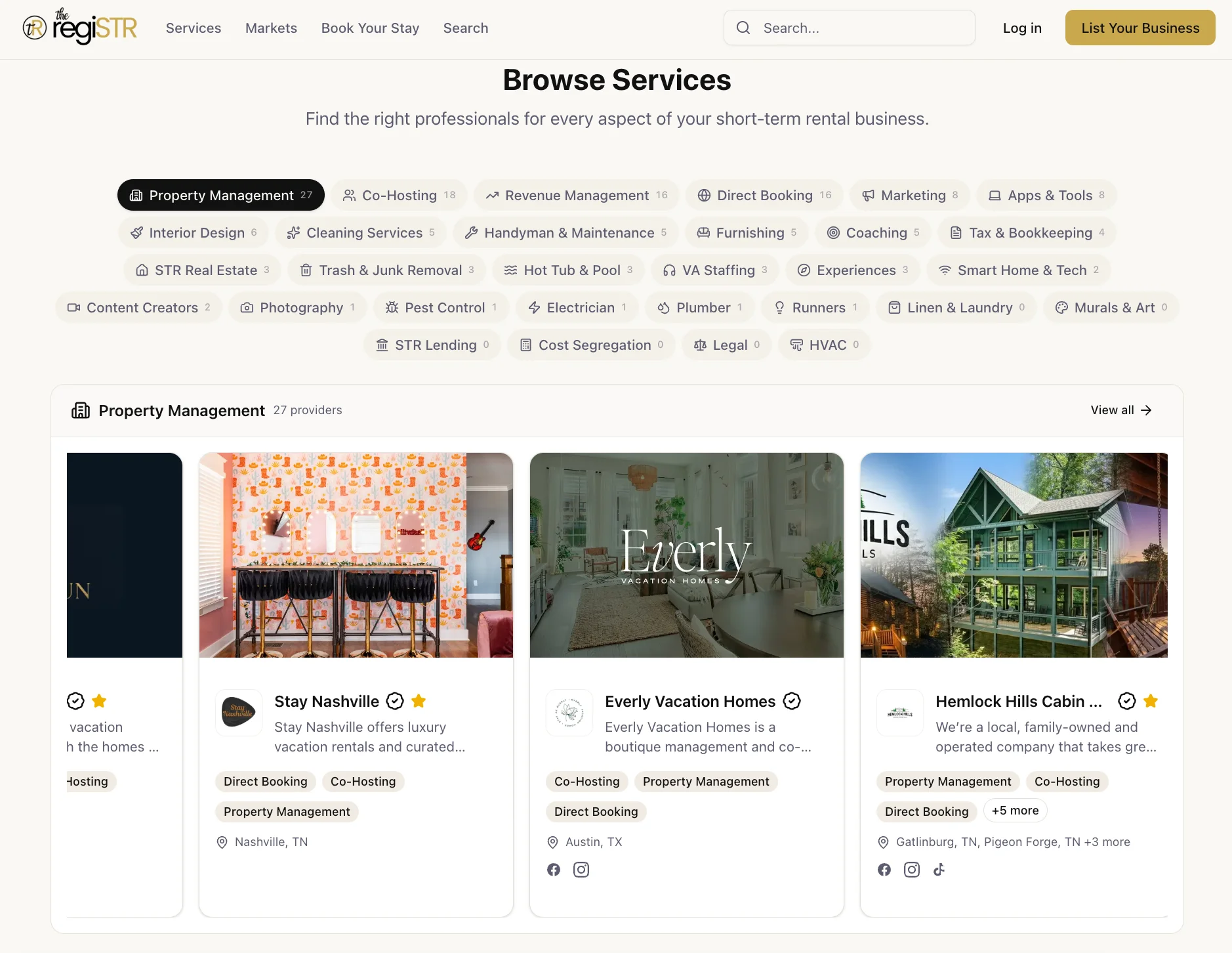
Photos are a quality signal Airbnb's algorithm and human guests both weigh heavily. A generic phone photo set shot in portrait orientation reads as amateur, and it shows. STR-specialized photographers understand wide-angle hero shots, natural light staging, and the specific shot list that OTA listings need, which is different from general real estate or event photography. You can find STR photographers on the regiSTR who already understand this shot list by market.
Turn On Instant Book
Instant Book removes a friction point in the guest decision path and is a factor Airbnb has confirmed influences ranking and conversion. If you've resisted Instant Book because you want manual approval control, weigh that against the visibility cost, particularly in a market where supply is expanding and every ranking edge matters more.
Respond Faster and Keep Cancellations Low
Response time and cancellation rate both factor into the popularity and quality signals Airbnb tracks. A host who takes 12 hours to respond to inquiries, or who cancels confirmed reservations, sends a negative signal that compounds over time and is genuinely difficult to reverse quickly.
How Do I Know If My Listing Is Invisible or Just Ranking Low?
The distinction between a technically invisible listing and a poorly ranked one comes down to your Insights impressions data. Zero impressions over a sustained period suggests a technical or status problem. Low but nonzero impressions suggest your listing is showing up for some searches but losing on ranking factors like price, quality, or popularity.
This diagnostic step gets skipped constantly, and it's the single most useful thing you can do before assuming the worst. Open your host dashboard, navigate to Insights, and check your impressions and views for the past two to four weeks. If the number is genuinely zero across that window, you're likely dealing with a status, suspension, or verification issue, not a ranking problem.
If impressions exist but conversions don't, the problem shifts from visibility to competitiveness. Your listing is being seen; it's just losing to comparable properties on price, photos, or availability. That's a different fix entirely, and one that usually benefits from a revenue manager or STR consultant reviewing your comp set rather than more calendar tweaks.
Track this data for one to two weeks after making any change, rather than judging results from a single day's search. Airbnb's search results shift based on real-time inventory and demand, so a snapshot from one afternoon tells you very little about a sustained trend.
How Do I Test My Airbnb Search Visibility as a Guest?
Testing your own listing's search visibility requires searching as a guest would, using an incognito or private browser window to avoid personalization bias from your own account history. Airbnb's official guidance is explicit that results vary by guest, filters applied, and booking history, so a single manual search is not a definitive test of visibility.
Here is the sequence we recommend for a reliable test:
- Open an incognito or private browser window, logged out of any Airbnb account.
- Search your property's city or neighborhood with the exact check-in and check-out dates you want to test.
- Set the guest count to match a typical booking for your property.
- Zoom into the map to your property's specific area and select "Redo Search Here" to narrow the results pool.
- Try at least two or three different date ranges, since a single blocked date can exclude your listing from that particular search.
- Repeat the search with and without common filters like price range or amenities to see if your listing appears under some filter combinations but not others.
Community guidance also notes that broad, unfiltered city searches can display up to 300 listings before Airbnb narrows results further, which means a property buried at position 250 is technically "in search" but functionally invisible to most guests who never scroll that far. Narrowing your search mirrors what an actual guest does, and it's a far more honest test than checking whether your listing shows up on page one of an unfiltered search.
What Should I Include When Escalating to Airbnb Support?
An effective Airbnb support escalation for a visibility issue includes your exact listing URL, current listing status, screenshots of your Insights impressions data, and the specific guest-mode search parameters (dates, location, filters) you used to confirm the problem. Vague reports like "my listing isn't showing up" get generic troubleshooting responses; specific evidence gets faster, more accurate answers.
Before you contact support, compile the following:
- Your listing's direct URL and confirmed status (Listed, Snoozed, etc.)
- Screenshots of Insights showing impressions and views over the past two to four weeks
- The exact dates, guest count, and filters used in your incognito guest-mode test searches
- Screenshots of the search results page (or lack thereof) from that test
- Any recent changes to your listing (price, calendar, photos, description) and when they were made
- Confirmation of your identity verification status, since an incomplete verification can suppress visibility
This level of documentation is exactly what separates a support ticket that gets resolved in one exchange from one that bounces between generic responses for a week. Most hosts under-document their case and end up re-explaining the same problem three times.
If you've gone through this process and still can't resolve the issue, or if you suspect the problem is actually about pricing competitiveness rather than a technical bug, that's a signal to bring in outside expertise. An STR consultant who has diagnosed dozens of these cases across different markets can often spot the issue faster than a general support queue. You can browse all STR services including consulting and advisory providers on the regiSTR.
What Does the Market Data Say About Listing Competition in 2026?
U.S. short-term rental listings were projected to grow from 1.69 million in 2026 to 1.77 million in 2026, while demand growth is projected to moderate from 4.7% to 4.1% over the same period. That combination, more supply chasing slightly slower demand growth, means listing visibility carries more competitive weight in 2026 than it did in prior years.
AirDNA's cited 2026 forecast projected occupancy at 57.4%, slightly above the 57.0% pre-pandemic average, alongside RevPAR growth of 2.9% driven mainly by nightly rate increases rather than occupancy gains. In practical terms, that means winning bookings in 2026 depends more on outranking your comp set for the guests who are searching, not on riding a wave of runaway demand growth.
The table below breaks down the primary causes of Airbnb search invisibility, how to check for each, and the typical resolution timeline.
| Cause | How to Check | Typical Resolution Time |
|---|---|---|
| Listing status (Snoozed, Paused, Unlisted) | Host dashboard status field | Immediate once corrected |
| New listing indexing delay | Confirm listing age and last edit date | Up to 72 hours per Airbnb Help Center |
| Calendar mismatch with guest search | Compare open date ranges to typical booking windows | Immediate once dates opened |
| Low ranking (price, quality, popularity) | Insights impressions vs. conversions | 1-2 weeks to see measurable change |
| Suspension or verification hold | Insights "Listing issues" section | Varies; requires support resolution |
Awning's market data points to how dramatically enforcement and regulation can reshape listing counts. New York City's Airbnb and Vrbo listings dropped roughly 70% after local enforcement began, from over 22,000 active listings to fewer than 3,000. That's an extreme case tied to regulatory action, not algorithm behavior, but it illustrates why staying current on local compliance matters just as much as fixing your calendar. If you're unsure whether a regulatory issue is affecting your listing status, the regiSTR's Regulatory and Compliance category connects hosts with consultants who track local ordinance changes by market.
What Are the Most Common Mistakes Hosts Make When Diagnosing Visibility Problems?
The most common mistake is judging visibility from a single manual search on a logged-in account, which returns personalized results that don't reflect what a typical guest sees. A close second is assuming the algorithm is broken when the real issue is a closed calendar, an unfinished indexing window, or an unnoticed status change.
Hosts also frequently make changes and then judge results within hours instead of tracking impressions data over one to two weeks. Search ranking adjustments take time to reflect in the data, and reactive day-to-day tweaking often does more harm than good because it prevents any single change from being properly evaluated.
Another mistake: treating pricing complaints in isolation from the broader comp set. A price that felt competitive six months ago may no longer be, especially with U.S. listing supply climbing toward 1.77 million in 2026. Reviewing your comp set regularly, not just when bookings slow down, prevents this blind spot.
Finally, many hosts skip identity verification and licensing steps that quietly suppress a listing without triggering an obvious error message. Checking the "Listing issues" section inside Insights should be step one, not a last resort after weeks of frustration.
Frequently Asked Questions
Why is my Airbnb not showing up in search results at all?
Your Airbnb listing likely isn't showing up because it's set to a non-public status like Snoozed, Paused, or Unlisted, because it's too new to have finished indexing (up to 72 hours per Airbnb's Help Center), or because your calendar has no open dates matching guest searches. Check status and calendar first before assuming a ranking penalty.
What is the 75-55 rule in Airbnb?
There is no confirmed "75-55 rule" documented by Airbnb. Airbnb's official Resource Center instead names price, quality, and popularity as the three primary ranking factors, comparing your total listed price against similar properties in your market. Treat any unverified numbered "rule" circulating in host forums with caution.
Why can't I search categories on Airbnb anymore?
Airbnb's category browsing feature (icons like "Cabins" or "Amazing pools") changes periodically based on platform updates, device, and region, and isn't something an individual host controls. Focus instead on filtered search fundamentals like pricing, amenities accuracy, and availability, since that's how most bookings actually originate.
How do I get my Airbnb listing noticed by more guests?
Open more calendar availability, verify your amenities list matches what's actually at the property (especially Wi-Fi, self check-in, and parking), upgrade your photo set, enable Instant Book, and respond to inquiries quickly. These directly influence the price, quality, and popularity signals Airbnb uses to rank listings.
What is an Airbnb virtual assistant?
An Airbnb virtual assistant is a remote professional who handles guest messaging, booking coordination, and administrative tasks for a short-term rental, functioning similarly to a co-host but typically without on-site responsibilities like cleaning coordination or maintenance dispatch. Many hosts use one to improve response times, which directly affects search ranking.
What is an Airbnb hosting assistant?
An Airbnb hosting assistant typically refers to the same role as a virtual assistant or co-host: someone who supports day-to-day listing management, guest communication, and calendar upkeep so the primary host isn't handling every inquiry personally. Faster, more consistent responses from a hosting assistant can improve the popularity signals tied to ranking.
How long does it take for a new Airbnb listing to show up in search?
According to Airbnb's Help Center, new hosting performance data uploads within 24 hours, and new or edited listings can take up to 72 hours to fully populate across all search combinations. If it's been longer than that with zero impressions in Insights, check your listing status and verification before escalating to support.
Conclusion
Why isn't my Airbnb showing up in search comes down to a short, checkable list: status, indexing timing, calendar availability, and ranking competitiveness against your comp set. Work through those four in order before assuming Airbnb's algorithm has singled you out. With U.S. listing supply climbing toward 1.77 million in 2026 and demand growth moderating to 4.1%, the hosts who win search visibility are the ones actively managing price, photos, and availability rather than waiting for the problem to resolve itself.
If you've worked through the diagnostics here and still need a second opinion on pricing, photography, or compliance, that's exactly the kind of specialized help Get started with the regiSTR is built to connect you with. Browse vetted STR consultants, revenue managers, and photographers by market instead of guessing your way through another support ticket.
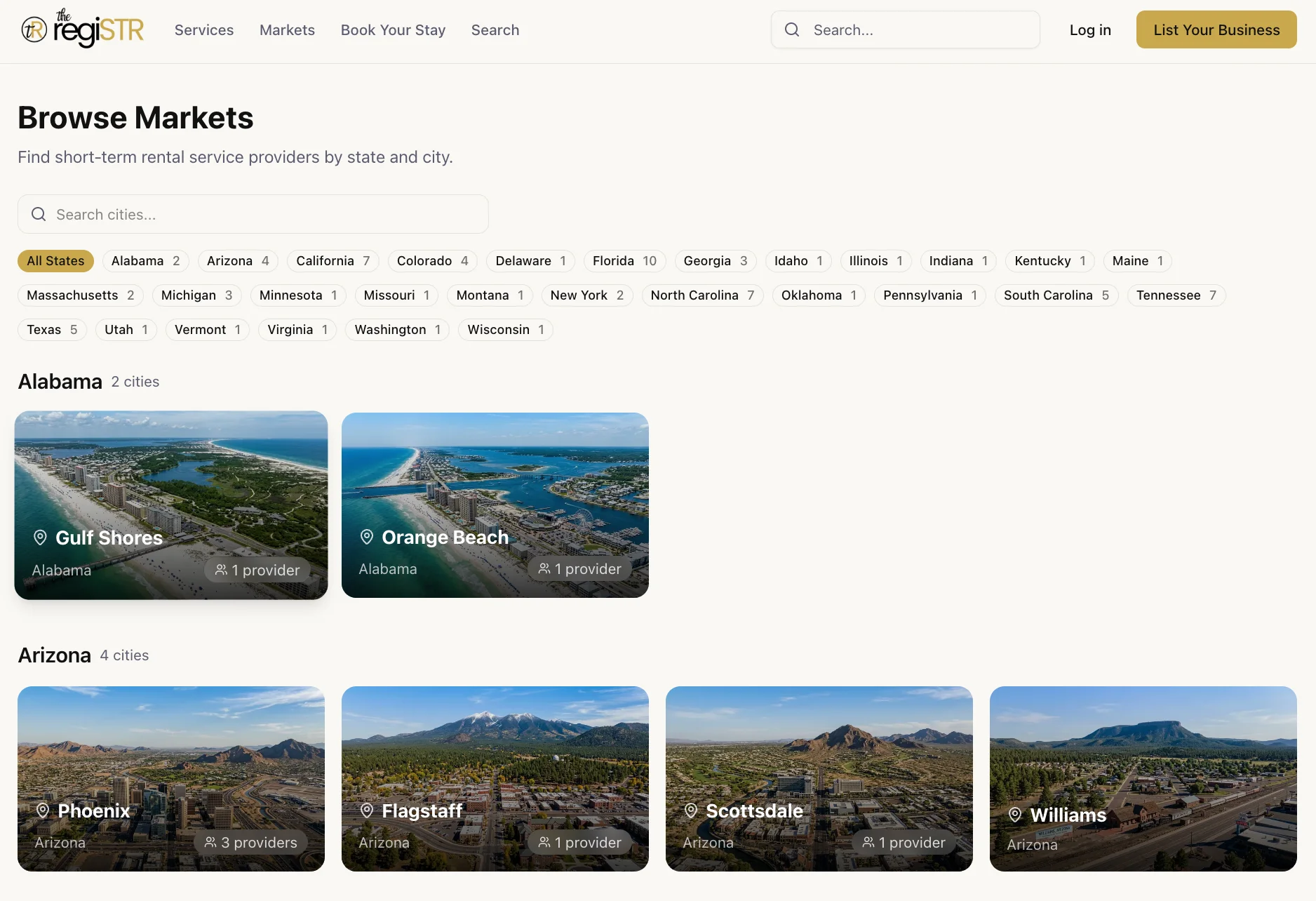
If your visibility problem turns out to be about pricing or photo quality rather than a status error, the regiSTR's market pages let you browse revenue managers and photographers by city, the same way you'd browse a specific STR market like Gatlinburg or Scottsdale for the right cleaner or property manager. Find vetted STR service providers at https://theregistr.co/services.
Content powered by inkSTR.co